
Hoshilea
Give your ideas a place to become stories.
An AI creation platform for images, videos, node workflows and short dramas.
Start with a picture. Save what works, and keep creating.
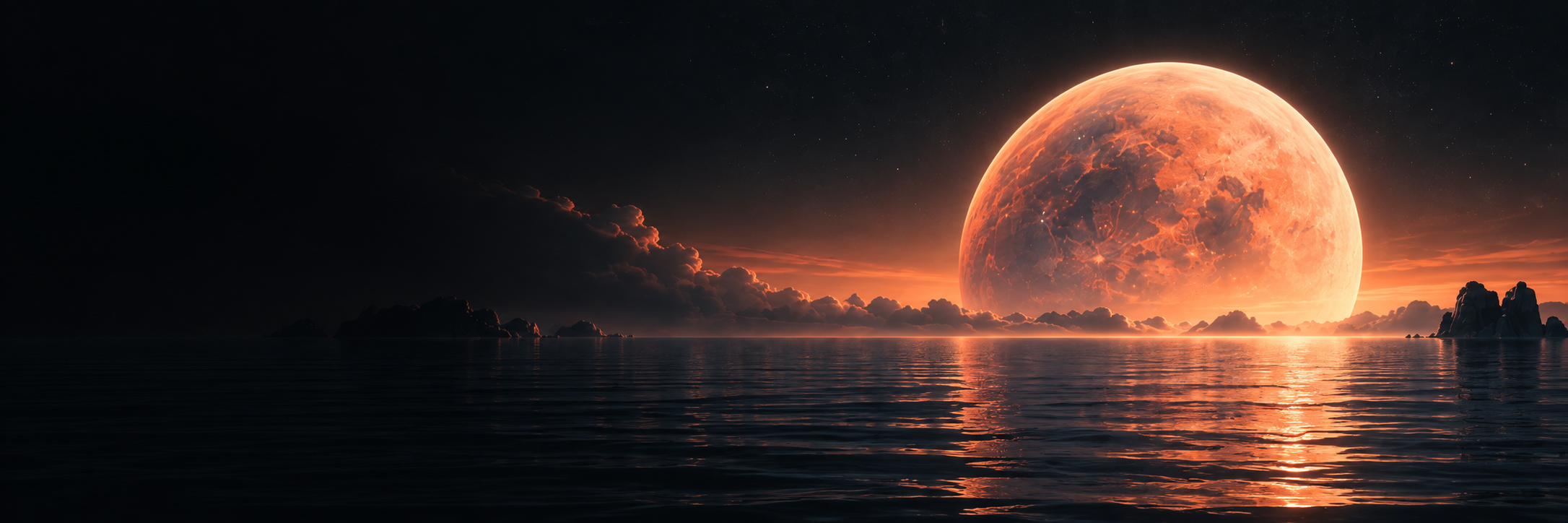
Create in your own way
Choose a starting point, then keep your images, clips, characters and projects together.
AI images
Give an idea its first image
Create images from text or use a reference image to guide a new result. Save images to your asset library and use them again in videos, workflows or storyboards.
- Text-to-image and image-guided generation
- Review available models, parameters and estimated credits before submission
- Preview, download and organize your results
AI video
Let a still moment move
Start from a prompt or a reference image. Describe the action, environment and camera movement, then preview and save the generated clip for your next story.
- Text-to-video and image-to-video generation
- Choose durations and parameters supported by the available model
- Track tasks, preview clips and download results
Node workflows
Connect each step of your process
Build an editable canvas with text, reference images, generation and output nodes. Send a generated image into the next image or video step and save the workflow for another session.
- Add nodes from the canvas menu, move them and connect compatible ports
- Up to 10 generation steps, executed in dependency order
- Confirm stage and total credit quotes; keep successful results when retrying unfinished steps
Short drama studio
Turn a script into an episode
Choose landscape or portrait, a single episode or a series, and your target episode length. Edit scripts and storyboards, generate shots, arrange voices, music and subtitles, then export an episode.
- Adjust format, episode structure and target duration
- Edit storyboards manually or revise an AI-generated draft
- Generate individual shots, preview the edit and export the assembled episode
Private character library
Keep a familiar character for the next story
Save a character’s name, description, reference appearance, voice information and audio samples independently of a drama project. Reuse characters while keeping existing projects on their chosen versions.
- Store character appearances and voice samples together
- Use saved characters in different drama projects
- Choose when to adopt a new character version
Assets and creations
Give every useful file a place
Organize images, videos, audio and subtitles in one library. Names, folders, favorites and source labels help distinguish uploads, AI-generated assets and assembled exports.
- Search by name and filter by type or source
- Rename and organize individual assets or selected groups
- Restore items from the recycle bin or permanently delete them; recycled items still use storage
Your next story does not have to start from zero.
Keep character references and audio samples, select them in a new project, and continue shaping the script and shots. Important files can also be downloaded for your own backups.
Explore characters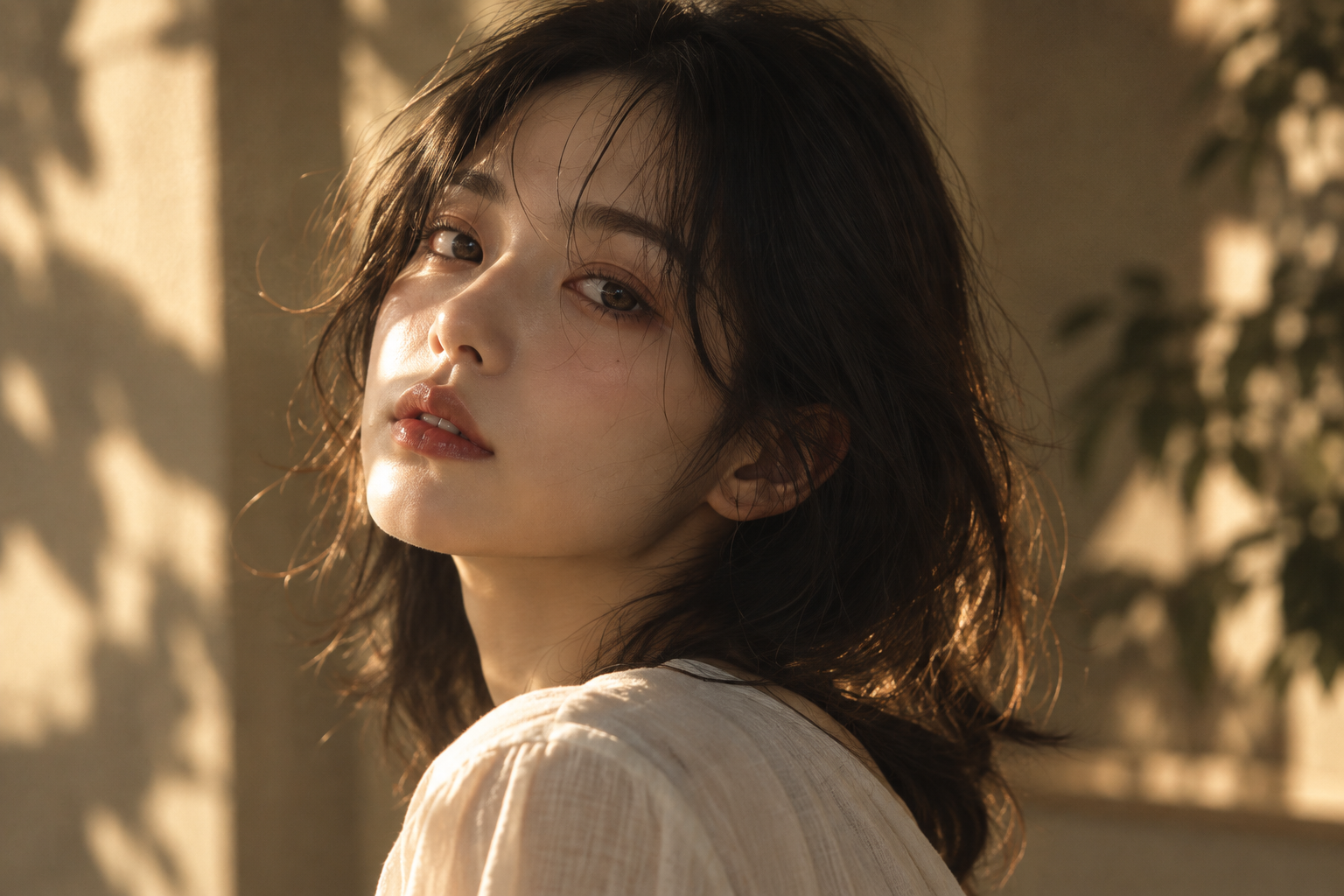
Begin with one image, one workflow or one story.
Sign in to edit personal workflows and manage your characters, projects and assets. Follow the workspace’s account and email-verification prompts before generating.